






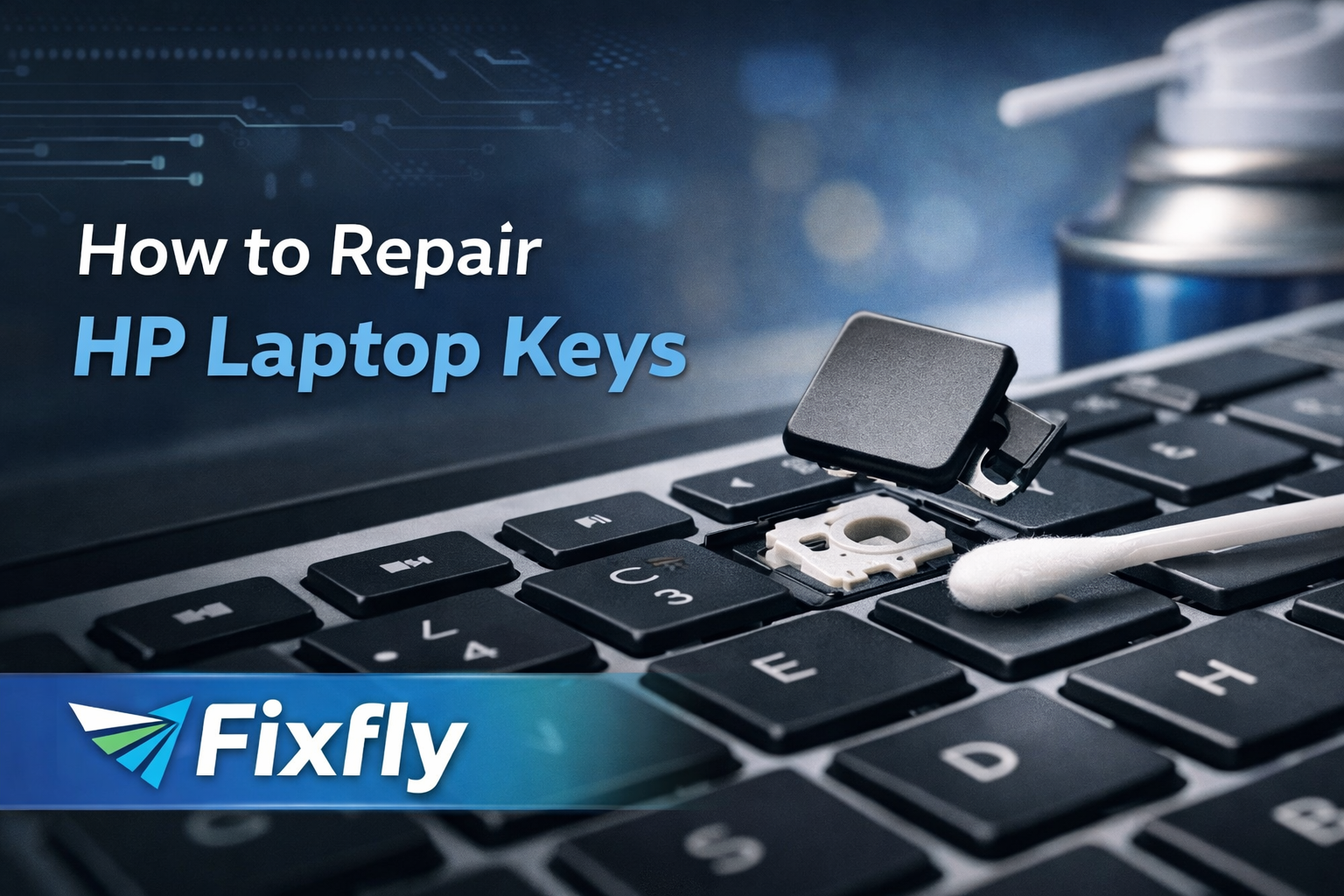
HP laptops are known for reliability, How to Repair HP Laptop Keys but frequent typing, dust, spills, or accidental pressure can cause keyboard keys to stop working. If you are facing issues like a stuck key, loose key, or non-responsive key, this guide will help you understand how to repair HP laptop keys safely.
🔍 Common HP Laptop Key Problems

4
- Stuck keys – Key does not bounce back
- Loose keycap – Key pops out easily
- Key not working – No input when pressed
- Broken hinge/scissor clip – Key feels unstable
- Liquid damage – Multiple keys malfunction
🛠️ Tools You May Need
- Soft microfiber cloth
- Compressed air
- Cotton swabs
- Isopropyl alcohol (90%+)
- Plastic pry tool
- Replacement keycap / hinge (if broken)
✅ Step by Step: How to Repair HP Laptop Keys
1️⃣ Fixing a Stuck Key


4
Cause: Dust, debris, sticky residue
Solution:
- Turn off the laptop
- Gently clean around the key
- Use compressed air
- If needed, carefully remove the keycap
- Clean underneath with alcohol
- Reattach the keycap
2️⃣ Repairing a Loose Keycap
Cause: Improper seating or damaged clip
Solution:
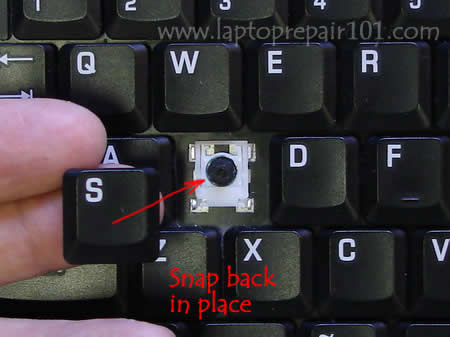
- Remove the keycap gently
- Check hinge alignment
- Snap it back evenly
- Replace hinge if cracked
3️⃣ Fixing a Key That Does Not Work
Possible Reasons:
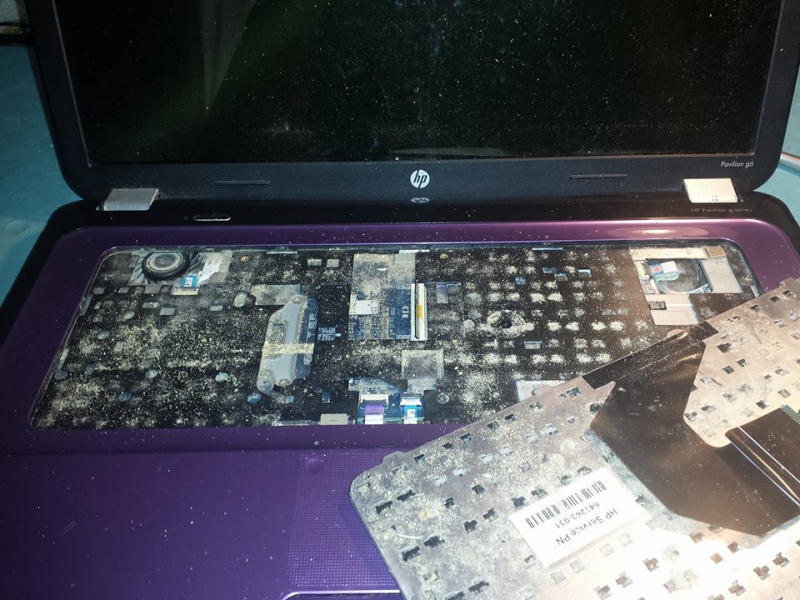
- Dirt under contact pad
- Damaged membrane
- Internal keyboard fault
Try This:
- Clean beneath the key
- Test using external keyboard
- Update keyboard drivers
- Replace keyboard if needed
4️⃣ Broken Key Hinge / Scissor Clip


4
Solution:
- Purchase correct HP hinge model
- Install hinge carefully
- Snap keycap into place
5️⃣ Liquid Damaged Keys
Warning: High risk of permanent damage
Immediate Action:
- Power off laptop
- Disconnect charger
- Dry surface quickly
- Visit professional repair service
⚠️ When NOT to DIY Repair
Avoid self-repair if:
- Multiple keys fail
- Keys type wrong characters
- Keyboard feels electrically dead
- Liquid spill occurred
- Keys keep popping out
👨🔧 Professional HP Keyboard Repair
If DIY fixes do not solve the issue, expert diagnosis is recommended.
Fixfly provides:
✅ Doorstep laptop repair
✅ Genuine HP keyboard replacement
✅ Keycap & hinge repair
✅ Liquid damage treatment
✅ Quick turnaround service
📞 Call Now: 022 6964 7030
💬 WhatsApp: 99313 54354
🌐 Visit: www.getfixfly.com
📌 Final Thoughts
Knowing how to repair HP laptop keys can save time and money for minor issues. However, forcing repairs without proper tools may worsen the damage. For safe and reliable solutions, professional assistance is always the best option.
🔎 SEO Keywords Included:
- How to repair HP laptop keys
- HP laptop key not working
- Fix stuck laptop key
- HP keyboard repair
- Laptop keycap replacement
- Fixfly laptop repair service